
Download TarPit – Drag‑and‑Drop TAR Compression Tool
Overview
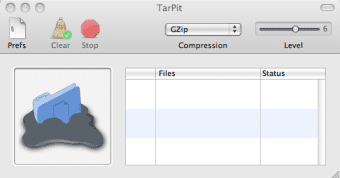
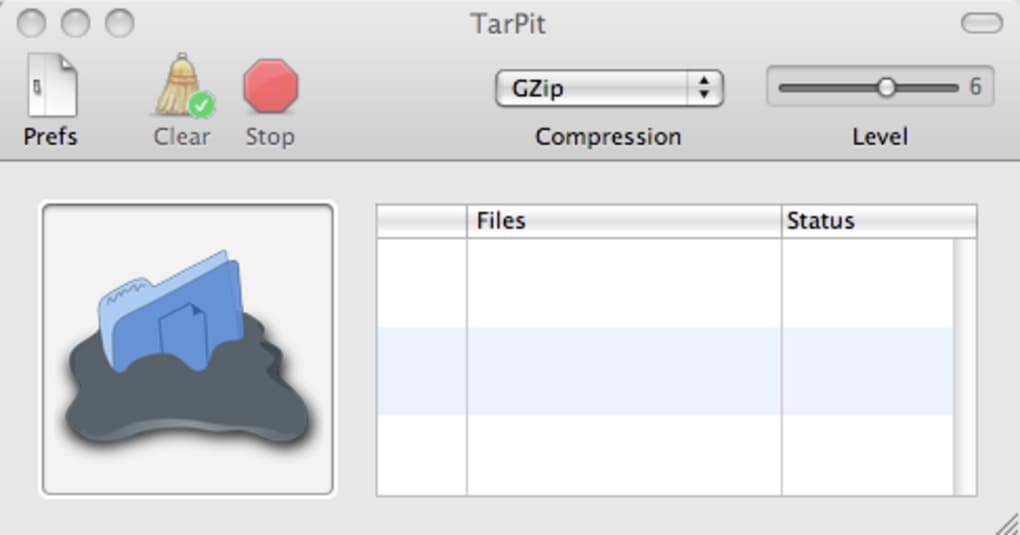
TarPit is a lightweight, free compression utility that makes creating TAR archives as easy as dragging a file onto a window. Designed for Windows, macOS, and Linux users who need a quick, secure way to bundle files, TarPit eliminates the steep learning curve associated with traditional command‑line tar commands. With an intuitive graphical interface, you simply drag the files or folders you wish to compress, choose a compression algorithm—GZip, BZip2, or ZCompress—and slide a knob to set the desired compression level. In a matter of seconds, TarPit generates a ready‑to‑share TAR file, preserving directory structures and file permissions where applicable.
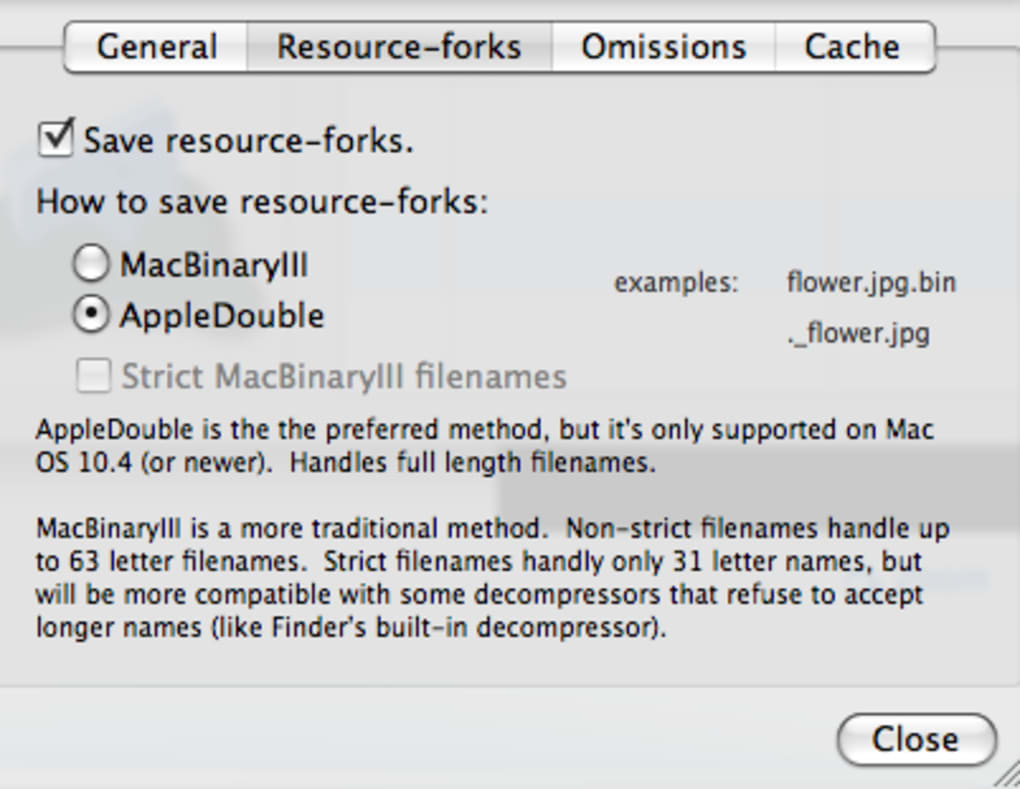
Beyond its core drag‑and‑drop workflow, TarPit offers a handful of thoughtful customisation options. An omission list lets you exclude system clutter such as “.DS_Store” or “Thumbs.db” from the final archive, keeping the package clean and lightweight. You can also define a default output folder, so every archive lands exactly where you want it without the need for repeated browsing. Resource management is built in: two modes let you limit CPU usage or memory consumption, ensuring that even on older machines the tool stays responsive.
While TarPit’s feature set is deliberately focused, the experience feels polished. The UI adopts a modern flat design with clear icons and colour‑coded status indicators, making it approachable for beginners and efficient for power users. The only noticeable gap is the lack of a real‑time progress bar for large archives—a small but understandable omission given the tool’s minimalist ethos. Overall, TarPit delivers on its promise of “compressing files should be as easy as possible,” providing a secure, free, and fast solution for anyone needing TAR archives on a regular basis.
Key Features & System Compatibility
- Simple drag‑and‑drop interface for instant archive creation.
- Supports three compression algorithms: GZip, BZip2, and ZCompress.
- Adjustable compression level via an easy slider control.
- Custom omission list to exclude unwanted files (e.g., .DS_Store, Thumbs.db).
- Default output folder configuration for streamlined workflow.
- Two resource‑management modes to prevent high CPU or memory usage.
- Cross‑platform support: Windows 10/11, macOS 10.13+, and major Linux distributions.
- Free for personal and commercial use with regular security updates.
TarPit runs natively on the most common desktop operating systems. The Windows build is compiled for 64‑bit architectures and integrates with Explorer’s right‑click context menu, allowing you to launch the app directly from any folder. macOS users receive a signed .dmg package that works seamlessly with Finder, while Linux enthusiasts can download a .deb or .rpm installer, or simply use the portable AppImage for distribution‑agnostic installation.
Because TarPit is a native application rather than a Java‑based wrapper, it launches instantly and consumes minimal system resources. The developers have also taken security seriously: all downloads are served over HTTPS, and the installer is code‑signed to prevent tampering. Automatic update checks run in the background, prompting users when a new stable version is available, ensuring you always have the latest compression algorithms and bug fixes.
Installation, Usage Guide, and Pros & Cons
Step‑by‑Step Installation
- Visit the official TarPit website and click the download button for your operating system.
- For Windows, run the
.exeinstaller and follow the on‑screen wizard (accept the license, choose an install folder, and click “Install”). - macOS users double‑click the
.dmg, drag the TarPit icon into the Applications folder, and eject the disk image. - Linux users can install via their package manager (e.g.,
sudo apt install tarpitfor Debian/Ubuntu) or download the AppImage, make it executable (chmod +x TarPit‑x86_64.AppImage), and run it. - Launch TarPit from the start menu, Launchpad, or terminal (AppImage) to begin compressing files.
How to Create a TAR Archive
Once the application is open, you’ll see a large drop zone in the centre of the window. Drag any file or folder into this area. A small panel appears, prompting you to select the compression format.
Choose between GZip, BZip2, or ZCompress, then move the slider to set the compression intensity (low, medium, high). If you have an omission list configured, TarPit automatically filters out those entries. Finally, click “Create Archive,” and the tool will generate a .tar.gz, .tar.bz2, or .tar.zc file in your predefined output folder.
Pros & Cons
- Pros
- Intuitive drag‑and‑drop workflow eliminates the need for command‑line knowledge.
- Free, with no hidden fees or ads.
- Supports three popular compression algorithms, giving flexibility for size vs. speed.
- Cross‑platform binaries simplify deployment across teams.
- Resource‑management modes keep the app lightweight on older hardware.
- Secure download and code‑signing protect against malicious tampering.
- Cons
- Missing real‑time progress bar for large archives may leave users guessing.
- Advanced TAR options (e.g., preserving ACLs, custom tar flags) are not exposed.
- Only supports creating archives; extraction must be done with another tool.
- No built‑in scheduling for batch compression tasks.
FAQ and Final Thoughts
Is TarPit completely free for commercial use?
Yes, TarPit is released under a permissive license that allows both personal and commercial use at no cost. There are no hidden fees, subscription models, or feature‑gating.
Can I extract TAR files with TarPit?
Currently TarPit focuses solely on archive creation. For extraction you’ll need a complementary tool such as 7‑Zip, WinRAR, or the native tar command on Unix‑like systems.
Which compression algorithm gives the best size reduction?
BZip2 generally provides the highest compression ratio, especially for text‑heavy data, but it is slower than GZip. ZCompress offers a balance between speed and size, while GZip is the fastest of the three.
How does TarPit handle large files over 4 GB?
TarPit fully supports the TAR format’s ability to store files larger than 4 GB. The underlying library automatically switches to the POSIX‑extended format when needed, ensuring compatibility with modern archive tools.
Is there a way to automate batch compression?
While TarPit does not include a built‑in scheduler, you can combine it with simple scripts that invoke the command‑line version (available in the installation folder) to process multiple folders automatically.
In summary, TarPit excels at what it sets out to do: provide a fast, secure, and completely free way to create TAR archives with minimal effort. Its drag‑and‑drop design lowers the barrier for users who might otherwise avoid compression tools, while the inclusion of multiple algorithms and resource‑management settings make it suitable for both casual and professional environments. The lack of an extraction feature and a progress bar are the most noticeable gaps, but these are outweighed by the app’s reliability and cross‑platform availability.
If you’re looking for a hassle‑free method to bundle files for backup, distribution, or archival purposes, give TarPit a try today. Download now, compress instantly, and keep your data tidy and portable.







